What Workforce Analytics Actually Measures (And What It Can't)
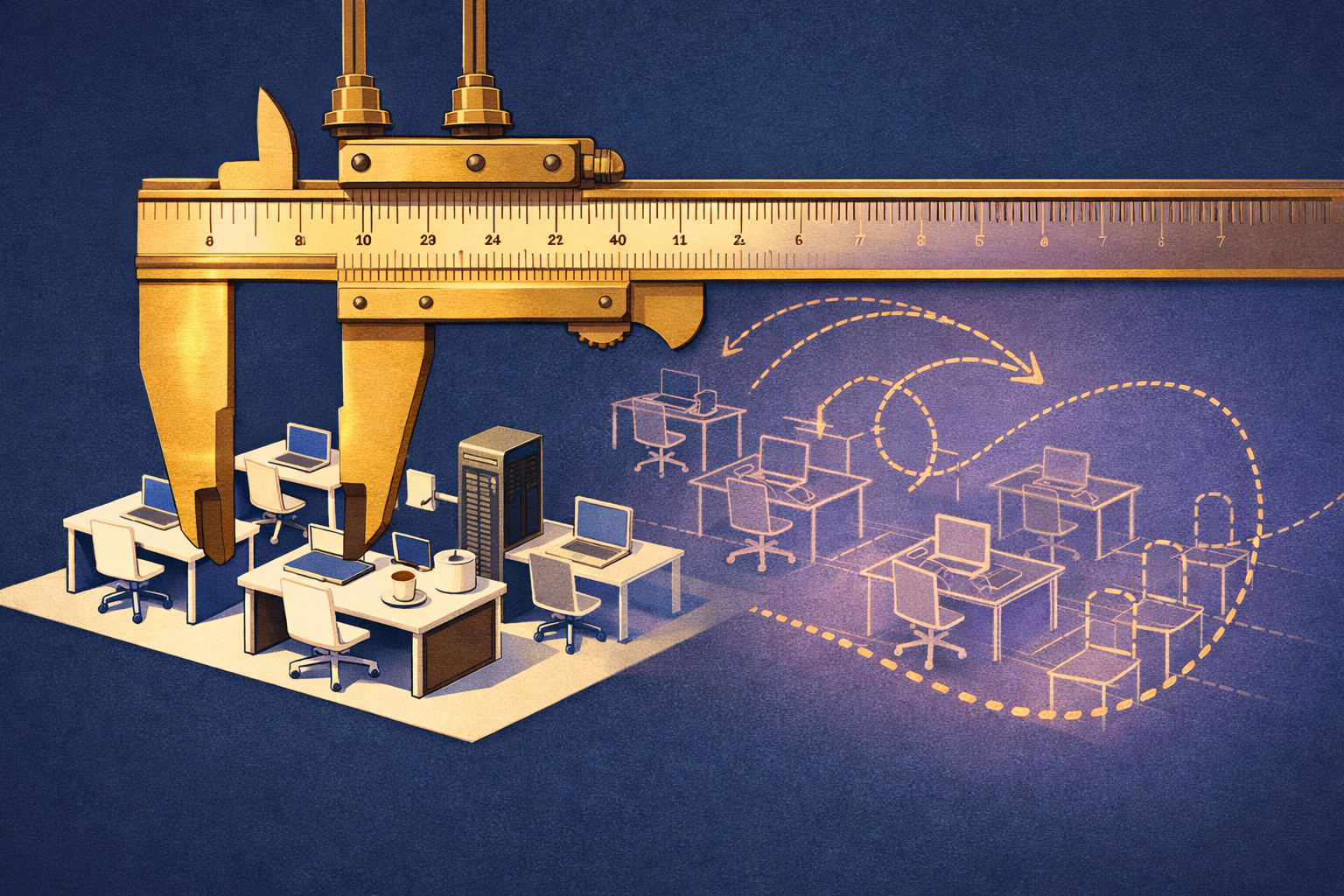
Most companies measuring workforce analytics are measuring the wrong thing. They're tracking headcount, turnover, and engagement scores while 70% of the institutional knowledge that actually runs their operations lives undocumented in one or two people's heads.
This piece is for ops leaders who've sat through a workforce analytics dashboard demo and walked away thinking: this tells me what happened, not why, and definitely not how. You'll get a clear definition of what workforce analytics actually is, what the major platforms genuinely measure well, where every leading tool hits a hard ceiling — and what the missing data layer is that none of the definitions include.
What Is Workforce Analytics, Actually?
Workforce analytics is the systematic collection and analysis of people data to support decisions about hiring, retention, performance, and organizational design.
That's the textbook answer. It's accurate as far as it goes. SHRM research defines workforce analytics as applying data science methods to HR data to improve business outcomes — covering everything from time-to-fill and absenteeism rates to diversity metrics and succession risk.
In practice, workforce analytics sits on a spectrum. Descriptive analytics tells you what happened: headcount is down 12% year over year. Diagnostic analytics tells you why patterns emerged: attrition is concentrated in mid-level roles after 18 months. Predictive analytics models what's likely: based on engagement signals, six roles carry high flight risk in Q3. Prescriptive analytics recommends action: adjust compensation bands or restructure the team.
Most enterprise platforms operate at the descriptive and diagnostic tier. True predictive capability requires clean historical data at a granularity that most organizations have never built. That gap is where workforce analytics starts to quietly fail.
What Does Workforce Analytics Actually Measure Well?
Workforce analytics measures structured HR events reliably: hires, exits, promotions, absenteeism, and survey responses. These are high-confidence inputs with clear timestamps.
The categories where workforce analytics delivers genuine signal are well-established. Here's what the major platform categories actually measure with confidence:
- Headcount and capacity: total employees, role distribution, spans of control, contractor ratios.
- Talent acquisition metrics: time-to-fill, cost-per-hire, source-of-hire, offer acceptance rate.
- Retention and attrition: voluntary vs. involuntary turnover rates, regrettable attrition, tenure cohorts.
- Compensation analysis: pay equity, salary band adherence, total compensation benchmarking.
- Engagement and sentiment: survey scores, eNPS, pulse check trends over time.
- Learning and development: training completion rates, certification attainment, time-in-program.
Platforms like Workday, SAP SuccessFactors, and IBM Workforce Manager handle this tier of measurement with serious sophistication. SuccessFactors, for instance, integrates with SAP's broader ERP to connect people data to operational and financial outcomes in ways that smaller tools can't match. Workday's People Analytics module uses machine learning to surface attrition risk signals from historical patterns. These are genuinely useful tools for what they were designed to measure.
What Does Workforce Analytics Miss — And Why Does It Matter?
Workforce analytics measures people events. It does not measure how work actually happens — the real decision sequences, workarounds, and expertise patterns that produce output.
This is the ceiling that every platform hits, and it's not a product gap that the next release will close. It's a category gap. Standard workforce analytics is built on HR system events: records of what was entered, approved, submitted, or scored. What it cannot capture is the actual workflow layer — the sequence of decisions, tools, and informal knowledge that someone uses to do their job well.
Consider what a 15-year enterprise sales rep actually knows: the unofficial escalation path that bypasses three approval steps, the product configurations that actually win deals, the customer segments where the standard pitch fails. None of that appears in any HRIS, LMS, or workforce analytics platform. It lives in their head. When they leave — and with average replacement costs running $15,000 to $25,000 per employee according to SHRM estimates — that knowledge leaves with them.
Workforce predictive analytics models are particularly exposed here. A model predicting who will leave can only work with what it can see. If the most valuable thing about a departing employee is their undocumented workflow knowledge, the model isn't measuring the right risk. As covered in our piece on why workforce predictive analytics can't predict what it can't see, the data gap isn't a modeling problem — it's a capture problem.
How Does Workforce Analytics Differ Across Remote, Enterprise, and Advanced Platforms?
The platform tier determines what signals are available, not what questions can be answered. Remote, enterprise, and AI-native tools all share the same workflow blindspot.
The table below maps what different platform categories actually measure versus where they stop:
Platform Comparison: What Each Tier Actually Captures
- Remote workforce tools (e.g., Insightful, Teramind): Activity monitoring — application usage, idle time, login patterns. Strong on presence signals. Weak on whether activity maps to actual task expertise.
- Core HRIS platforms (e.g., BambooHR, Rippling): Employee records, benefits, time-off, basic performance tracking. Reliable for HR operations. No workflow intelligence at all.
- Enterprise HCM suites (e.g., Workday, SAP SuccessFactors): Full talent lifecycle — acquisition, performance, compensation, succession, L&D. Deep structured data. No real workflow capture.
- People analytics add-ons (e.g., IBM Workforce Manager, Visier): Aggregates structured HR data for advanced modeling. Stronger predictive output. Still constrained by what the underlying HRIS captured.
- Behavioral observation platforms (e.g., Starforce AI): Captures how work actually happens — real decision sequences, tool use, escalation paths, informal knowledge — via behavioral observation, not surveys or system events.
The pattern is consistent across all tiers. Each platform category adds sophistication at the structured data layer. None of them cross into the workflow layer. This isn't a criticism of their engineering — it's a structural limitation of what HR system events can tell you about how work actually gets done.
What Is the Workflow Layer — and Why Doesn't Any Workforce Analytics Definition Include It?
The workflow layer is the actual sequence of decisions, tools, and informal expertise a person uses to produce output. It is not recorded anywhere in standard workforce systems.
Workforce analytics definitions focus on measurable HR events because that's what HRIS systems were built to record. The problem is that the most operationally critical knowledge in any organization lives entirely outside those systems. It lives in behavior.
A McKinsey analysis of enterprise knowledge management found that organizations typically lose between 30% and 40% of their operational effectiveness during major workforce transitions — not because people are less capable, but because the tacit knowledge that makes processes actually run doesn't transfer. It can't transfer, because it was never documented.
This creates three compounding problems that standard workforce analytics cannot address. First, tribal knowledge concentration: when the person who actually knows how something works leaves, the knowledge leaves. Second, onboarding failure: new hires ramp against documented processes that don't match reality, which is why enterprise onboarding still averages 6 to 9 months to full productivity. Third, AI training data gaps: AI agents deployed on real workflows fail because they were trained on sanitized process documentation, not on what people actually do.
As covered in our piece on what AI workforce planning is solving for the wrong variable, every AI workforce initiative optimizes around headcount and skill inventory — the same structured data that workforce analytics already captures. The workflow data underneath has never been systematically collected, which means every plan built on top of it has a foundation problem.
What Does Workforce Analytics Actually Need to Include to Be Useful?
A complete workforce analytics picture requires both structured HR event data and behavioral workflow data — what happened in the system, and how work actually gets done outside it.
The framing that workforce analytics is a platform problem leads organizations to keep evaluating vendors when they should be auditing their data capture strategy. Here's what a complete analytical foundation actually requires:
- Structured HR event data: The standard layer — hires, exits, compensation, performance reviews, training records. Every HRIS handles this. It's table stakes.
- Collaboration and communication patterns: Who talks to whom, where decisions get made, which informal networks carry organizational load. Organizational Network Analysis (ONA) tools approach this, though most companies haven't deployed them.
- Task and tool interaction data: What someone actually does during a workday — which systems they use in sequence, which steps they skip, which workarounds they've developed. This is behavioral observation, not system logging.
- Decision logic and exception handling: How experienced performers resolve edge cases. This is where most of the institutional value lives, and it's almost entirely uncaptured in any current platform category.
- Role-specific knowledge maps: Which knowledge is distributed across the team, and which is dangerously concentrated in one or two individuals who represent single points of failure.
The reason most workforce analytics implementations stop at layer one is that layers two through five require a different capture mechanism. You can't extract workflow intelligence from HR system records. You have to observe it — systematically, at the point where work actually happens.
Practical Steps: Auditing What Your Workforce Analytics Actually Covers
Before adding another analytics tool, run this diagnostic on what you're actually capturing today. It takes an afternoon and will tell you more than any vendor demo.
- Identify your three highest-concentration knowledge roles. Ask: if this person left tomorrow, could anyone else do their job at 80% effectiveness in under 30 days? If the answer is no for more than one or two roles, you have a tribal knowledge problem that no analytics dashboard will surface.
- Pull your last onboarding cohort's time-to-productivity data. If you don't have it, that's the finding. If you do, check whether it's self-reported or behaviorally measured. Self-reported productivity timelines run 40% to 60% faster than manager-assessed reality, according to research from the Human Capital Institute.
- Map what your current analytics platform uses as inputs. List every data source. Then ask: does any of these sources record how decisions are made, not just that they were made? If not, you're operating on structured HR events only.
- Run a knowledge capture stress test on one department. Have two senior performers describe how they handle the three most complex recurring tasks in their role. Document the actual steps, tools, and decision criteria. Compare that to what's in your process documentation or LMS. The delta is your undocumented workflow exposure.
- Assess your AI readiness baseline. If you're planning to deploy AI agents into any workflow in the next 18 months, identify what training data those agents will use. If the answer is existing SOPs or process documentation, ask when those documents were last verified against actual behavior. The gap between documented process and real process is typically where AI agents fail first.
The Honest Summary
Workforce analytics, as it's currently defined and implemented by every major platform, is a reliable instrument for measuring structured HR events. It tells you who is here, what they're paid, how long they stay, and roughly how they score on the metrics your systems were designed to record. That has real operational value.
What it cannot do is tell you how work actually happens. The decision sequences, the workarounds, the informal expertise, the knowledge that makes the difference between a functional team and an exceptional one — none of that lives in any HRIS, LMS, or analytics platform. It lives in behavior. And behavior, until recently, was never systematically captured.
The organizations that will out-execute in the next five years are the ones that recognize workforce analytics is necessary but not sufficient — and that the workflow layer underneath it has to be captured before it can be measured, transferred, or used to train the AI agents that are already being deployed against it.
As covered in our piece on the AI workforce platform landscape and tribal knowledge gaps, every major platform in this space — regardless of how sophisticated the analytics layer is — is built on a foundation that was never fully laid. The workflow data underneath simply doesn't exist yet for most organizations. That's what Starforce AI is built to fix: capturing how teams actually work through behavioral observation, so that knowledge can be transferred, onboarding can reflect reality, and AI agents have something real to learn from.
What to Do Next
If you run the five-step audit above and find that your workflow layer is unmapped, that's the priority — before the next analytics purchase, before the next onboarding redesign, before the next AI deployment. The tools to analyze workforce data are mature. The data those tools need to be genuinely useful is still missing for most organizations.
Start by identifying the two or three roles where tribal knowledge concentration poses the highest operational risk. Map what those people actually do — not what the job description says, not what the LMS training covers, but what they actually do on their best days. That's your baseline. Everything else builds from there.